You can manage fees and payments relating to course enrolments in Ontrack Learner Hub.
Select the My Payments option in the navigation pane to view the fee record. This will display the My Payments page.
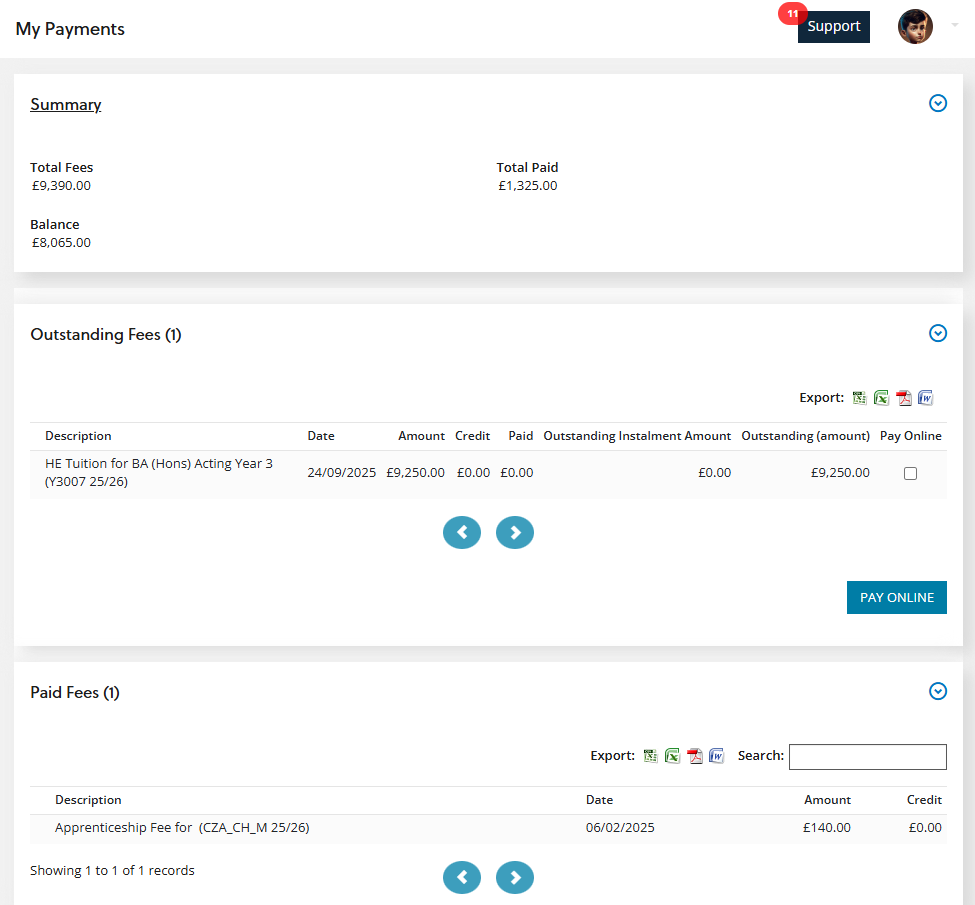
The My Payments page consists of the following sections:
- Summary - displays a summary of all fees and receipts for courses you are enrolled on
- Outstanding Fees - displays a list of outstanding fees
- Paid Fees - displays a list of paid fees
From the My Payments page, you can:
 Pay outstanding fees
You can pay outstanding fees in the Outstanding Fees section by selecting the check boxes for the required fees in the Pay Online column.
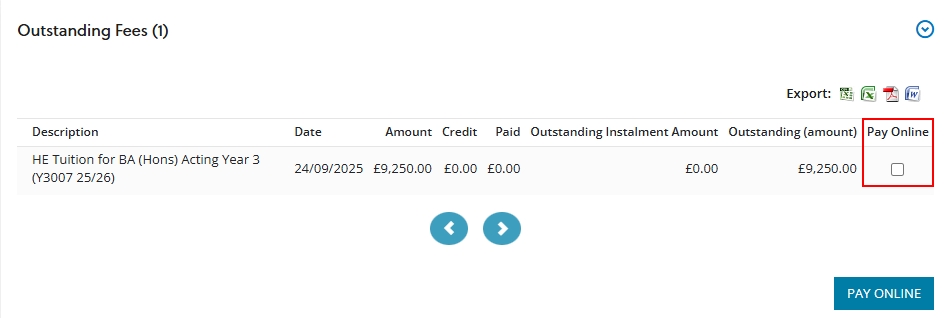
When the required fees are selected, you can then select the button.
You are then redirected to the relevant payment provider so you can complete the payment details for the outstanding fees.